
Magnifique
A game launcher for Android handhelds and Macs. It sorts your games by platform, fetches covers and details, and opens each game in RetroArch or the emulator you choose.
No games or emulators are included.


23 platforms
Each one appears on the home screen once you add its folder.
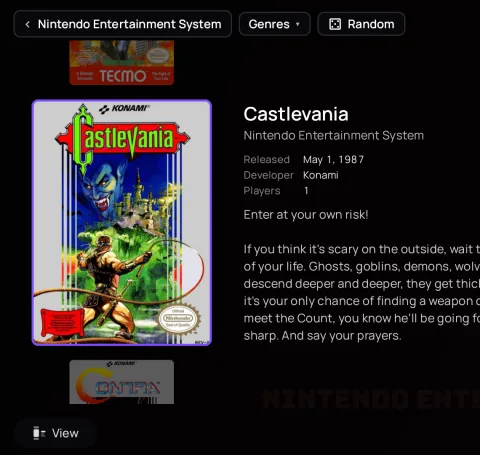
Nintendo Entertainment System 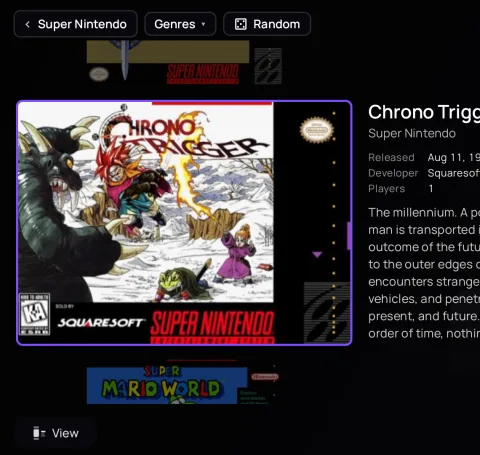
Super Nintendo 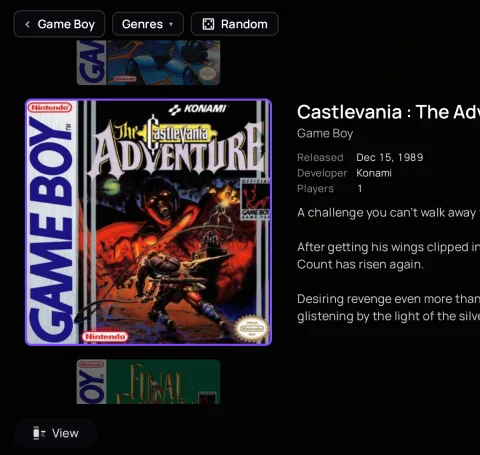
Game Boy 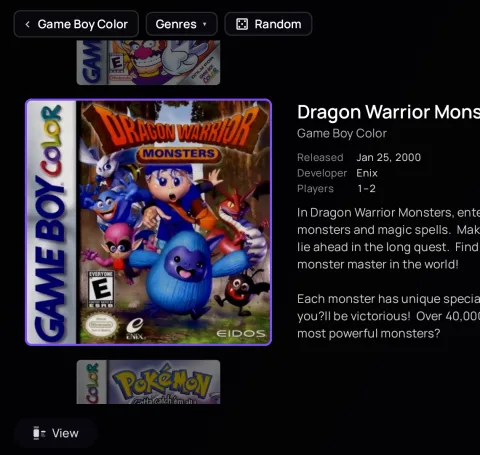
Game Boy Color 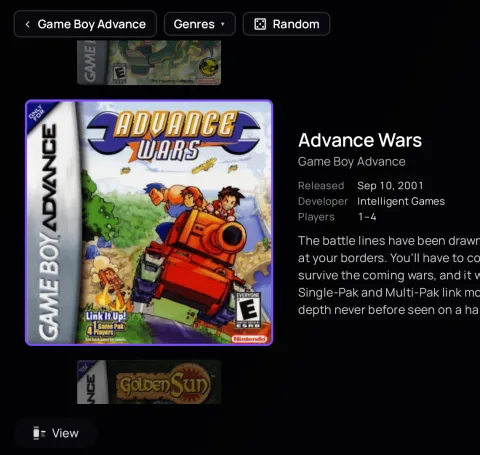
Game Boy Advance 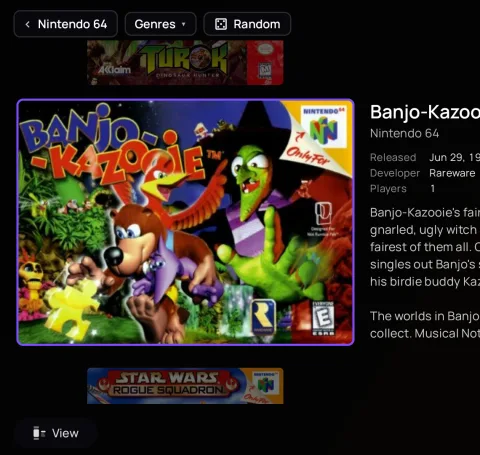
Nintendo 64 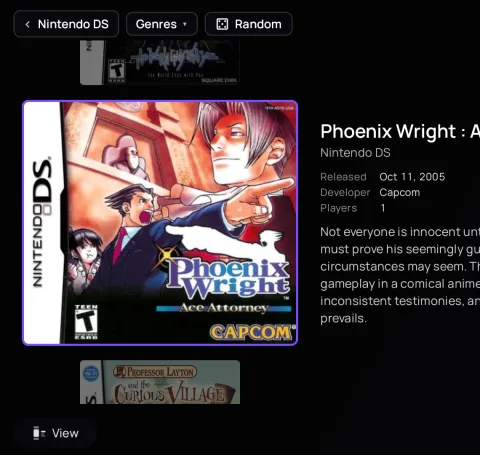
Nintendo DS 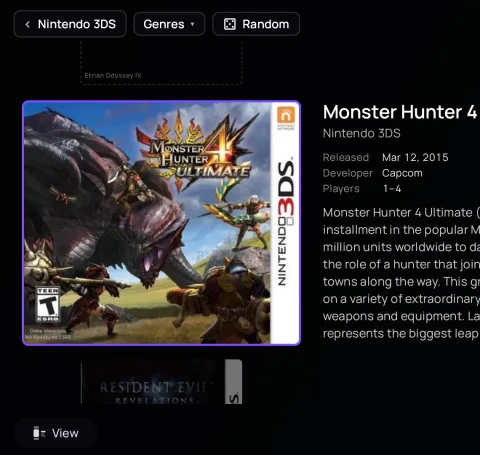
Nintendo 3DS 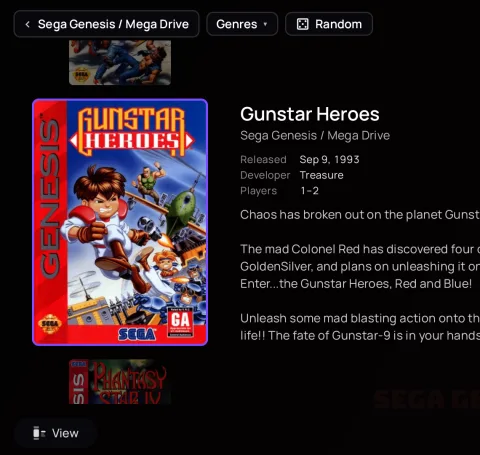
Sega Genesis / Mega Drive 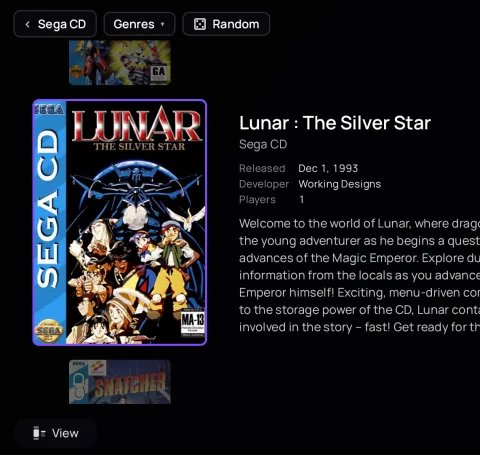
Sega CD 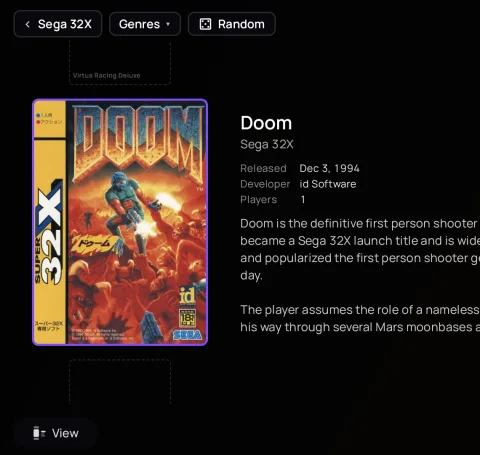
Sega 32X 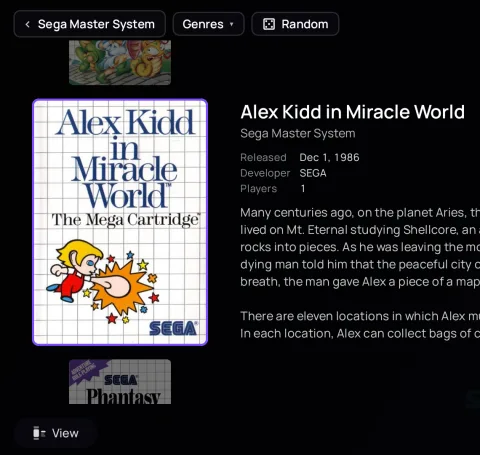
Sega Master System 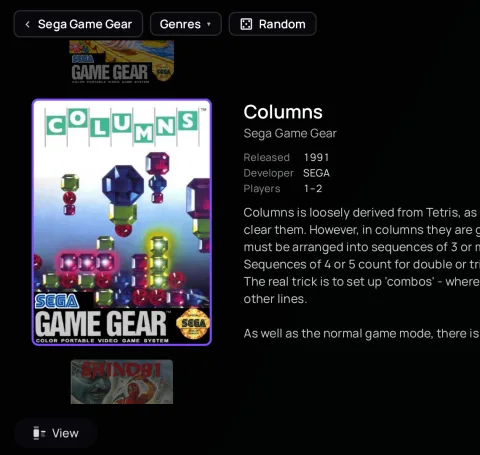
Sega Game Gear 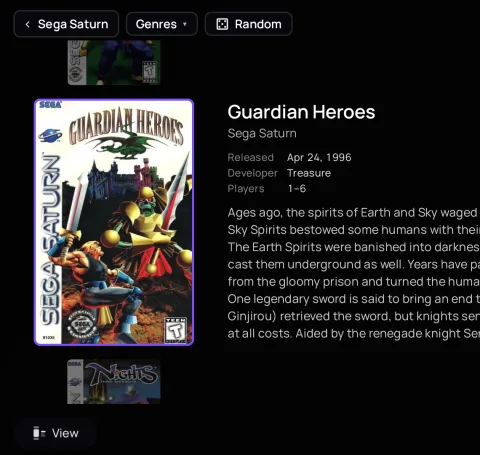
Sega Saturn 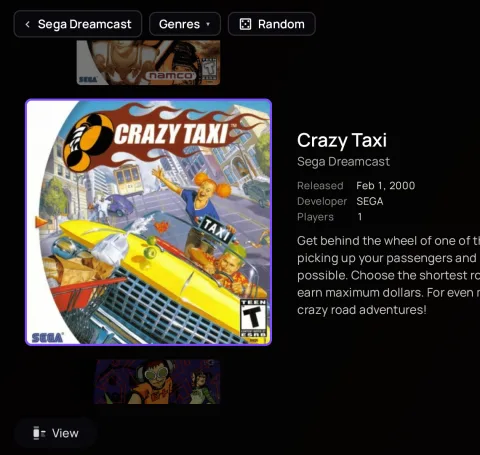
Sega Dreamcast 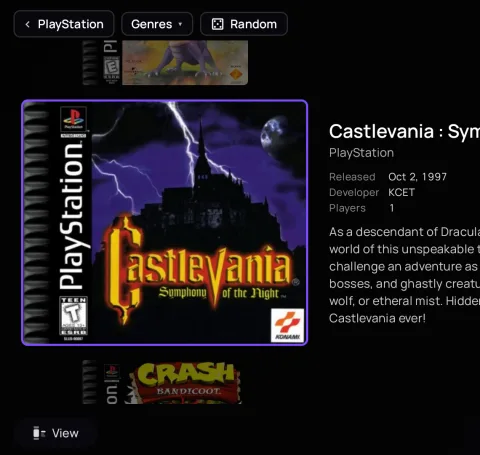
PlayStation 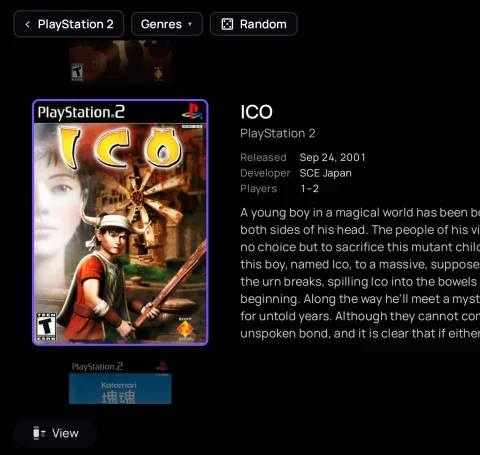
PlayStation 2 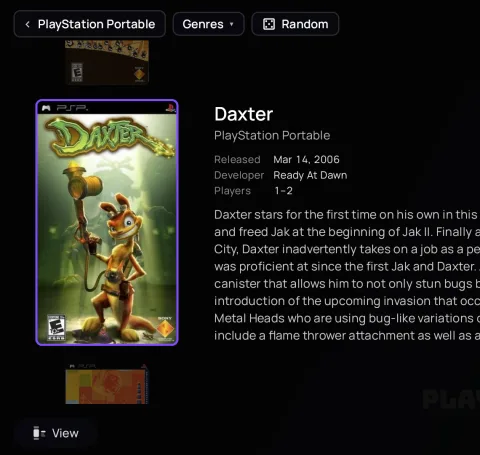
PlayStation Portable 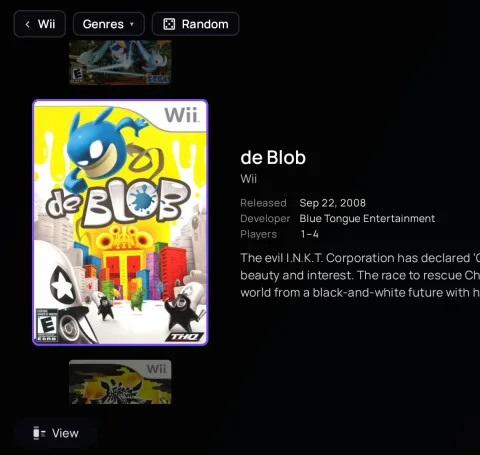
Wii 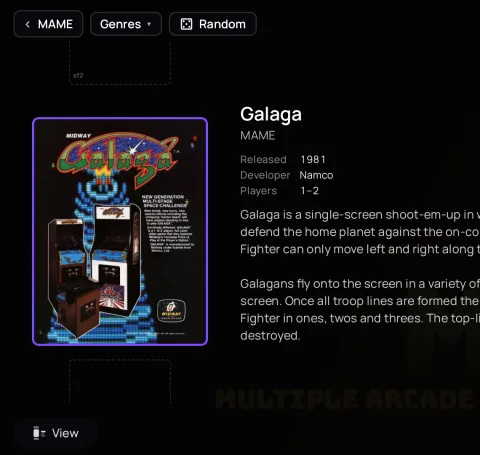
MAME
Also PlayStation Vita and GameCube. Android, for your installed Android games, is on Android only.
From folder to playing in three steps
The same on a handheld and on a Mac.
Add your game folders
One folder per platform, picked in the system's folder window.
Let it sync
Covers, details and video clips arrive from ScreenScraper and SteamGridDB.
Press A to play
The game opens in RetroArch or your emulator. When you quit, you're back in Magnifique.

Covers, details and clips
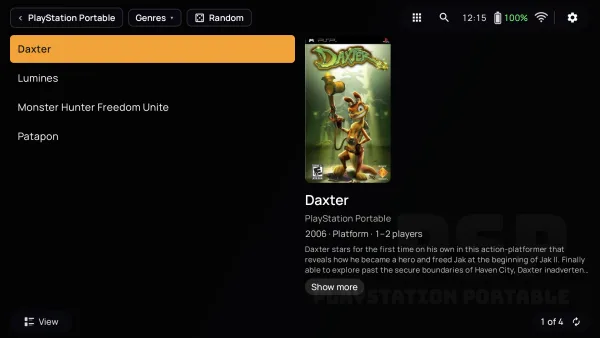
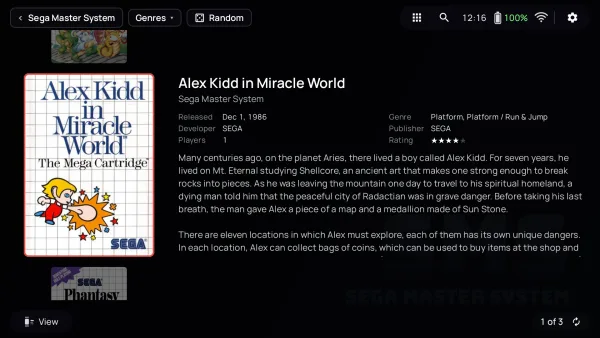
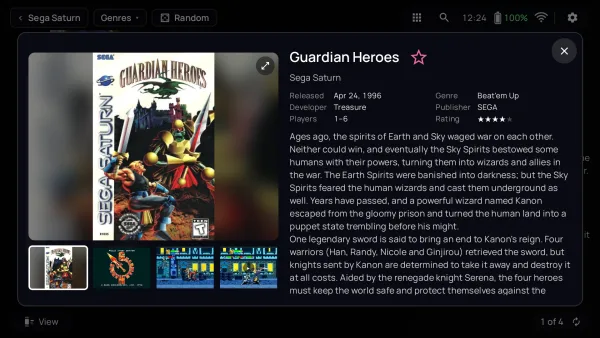
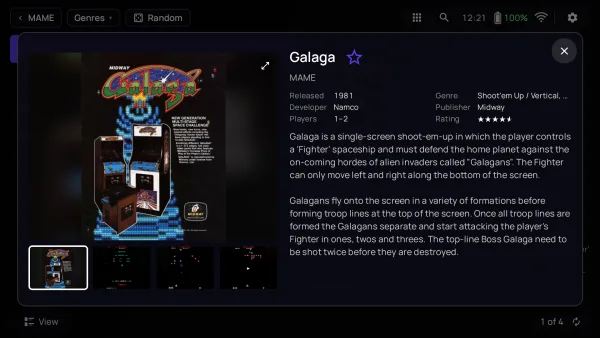
Each game gets its box art, screenshots, release date, developer, rating and description, and, where there's one, a gameplay clip that plays full screen.


A view for every library
Pick how your games show: a cover grid, a list or a carousel, or a retro look: a DOS file manager, a command prompt or an RPG status screen.
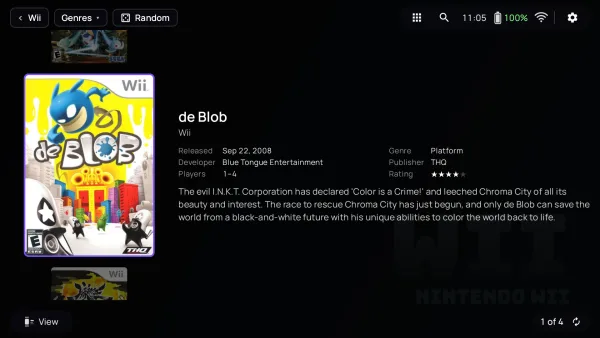
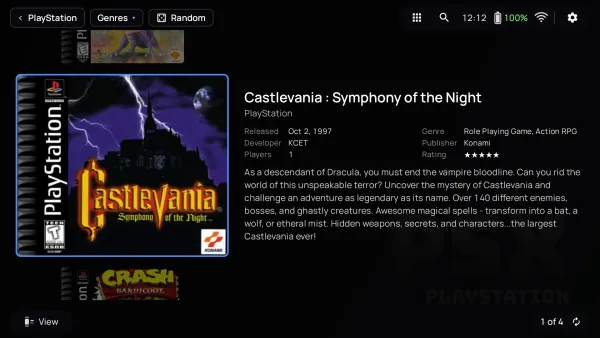
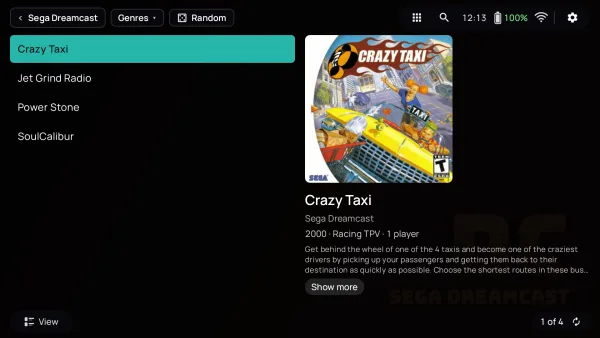
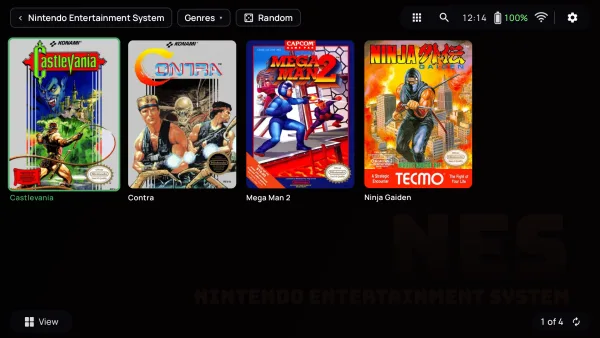
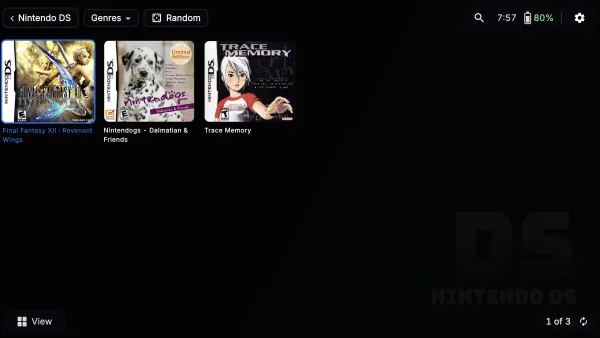
Themes and accent colours
Download themes made for Magnifique inside the app, then pick an accent colour to go with them: one of eleven, or the theme's own.
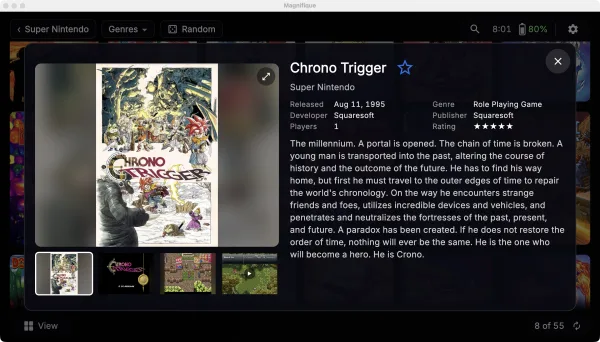
The same app on your Mac
Your library, your controller, and RetroArch or the Mac emulators you already use, on Apple Silicon Macs.
Also in Magnifique
- Every screen works with a controller's D-pad, and by touch or with a mouse.
- Search every game on every platform at once.
- Favourites, gathered in a stop of their own.
- A random game, for when you can't choose.
- Genre filters for each platform.
- New games marked after a sync.
- Play history: every game you started, newest first.
- Menu sounds: soft clicks, 8-bit blips or console tones.
- PlayStation button shapes for a DualSense or DualShock.
- Platform transitions: a crossfade or a whip pan.
- Pure black for OLED screens, and fonts to download.
- Your apps on an Apps screen of their own (Android)
- Magnifique as your home screen, if you like (Android)
Emulators Magnifique can start
A few of the 62 emulators Magnifique knows. A ✓ means it can start games in that emulator.
| Emulator | Android | Mac | Windowscoming later |
|---|---|---|---|
| RetroArch | Yes | Yes | Not yet |
| Dolphin | Yes | Yes | Not yet |
| DuckStation | Yes | Yes | Not yet |
| PPSSPP | Yes | Yes | Not yet |
| melonDS | Yes | Yes | Not yet |
Get Magnifique
Free for Apple Silicon Macs. On Android, join the beta.
No games or emulators are included.